Folders, Prompt Library, Chat Export, AI Optimizer, Keyboard Shortcuts, and 30+ more features. All running locally in your browser.





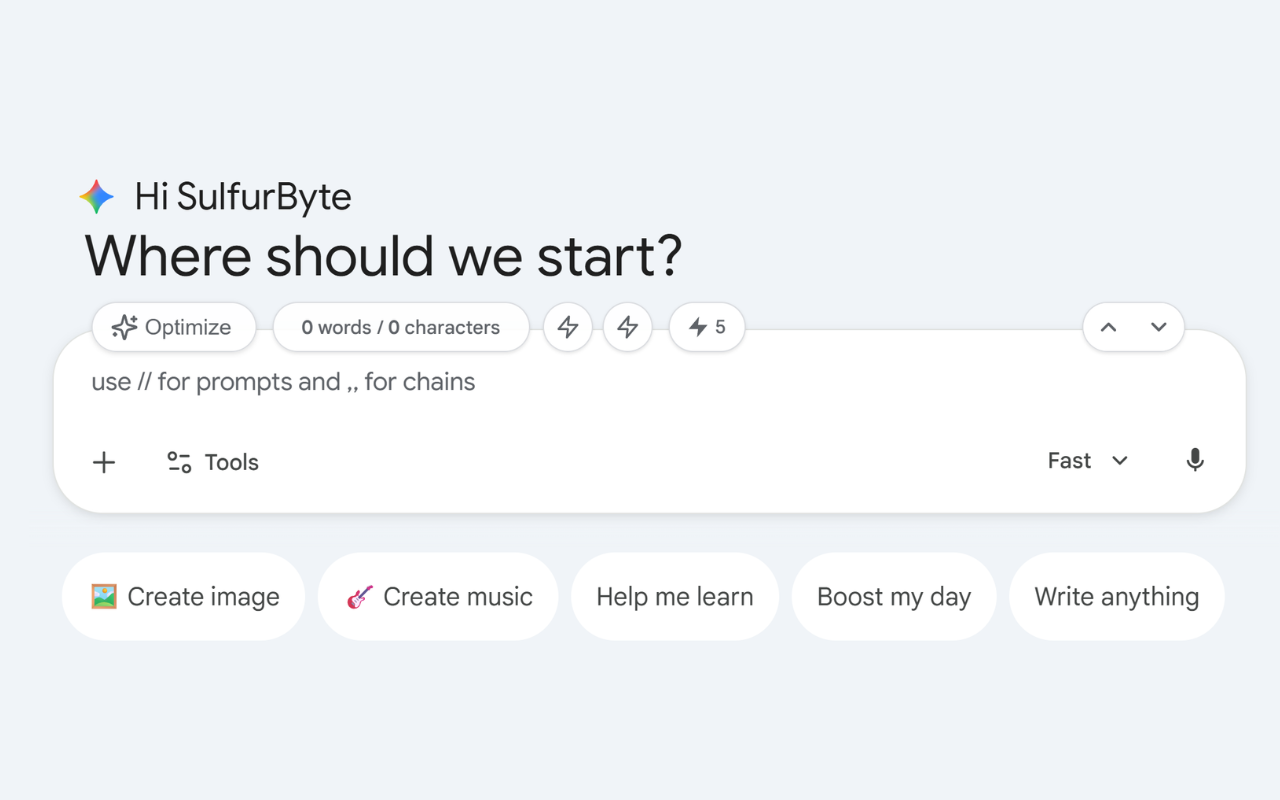
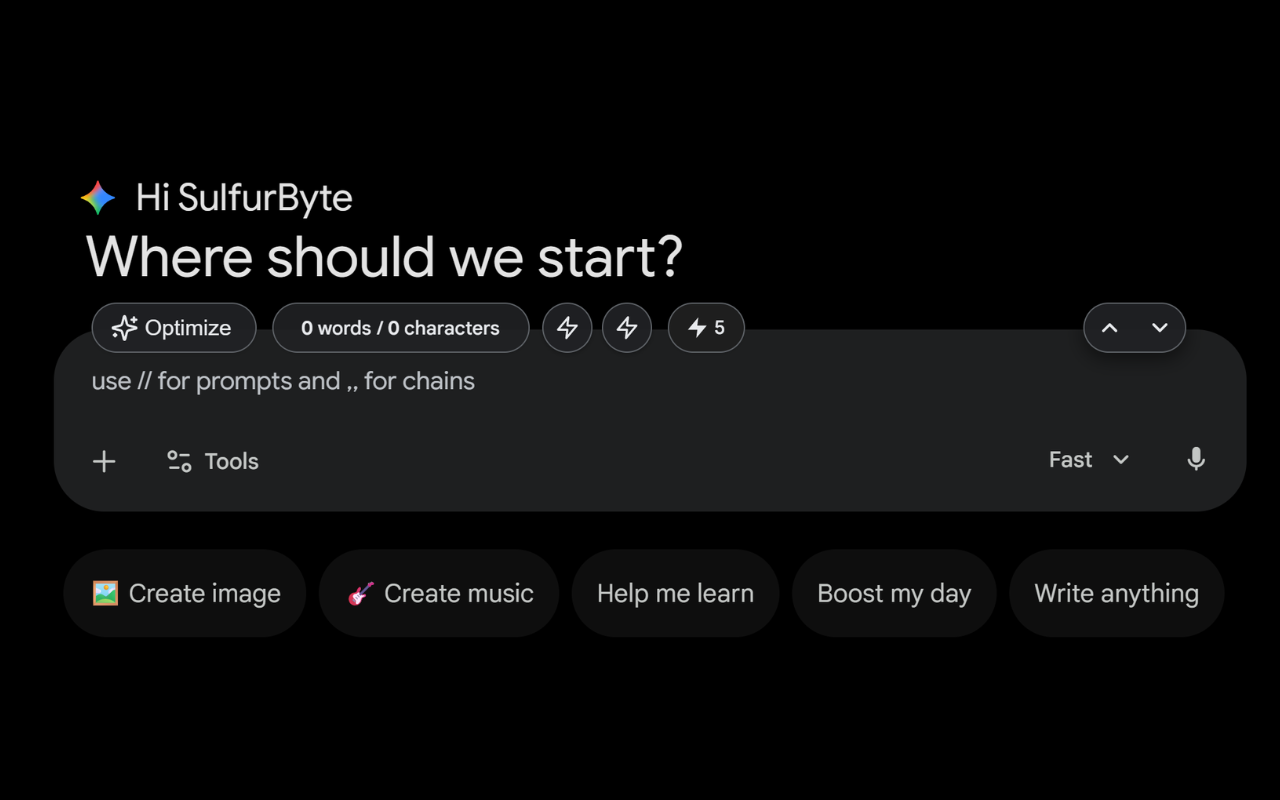
Supercharged message bar
Why Superpower?
Here's what changes when you install Superpower.
The Limitation
No folders, no organization. Great conversations disappear into a flat endless list.
Retype your best prompts every single time. No library, no templates, no shortcuts.
Can't export chats to PDF, Word, or text. Your conversations are trapped inside Gemini.
No word or character counter. No idea how long your prompts are or how often you use Gemini.
No keyboard shortcuts. Every action requires navigating menus with the mouse.
No AI optimization, no automation, no prompt chains. Just you typing from scratch.
Supercharged
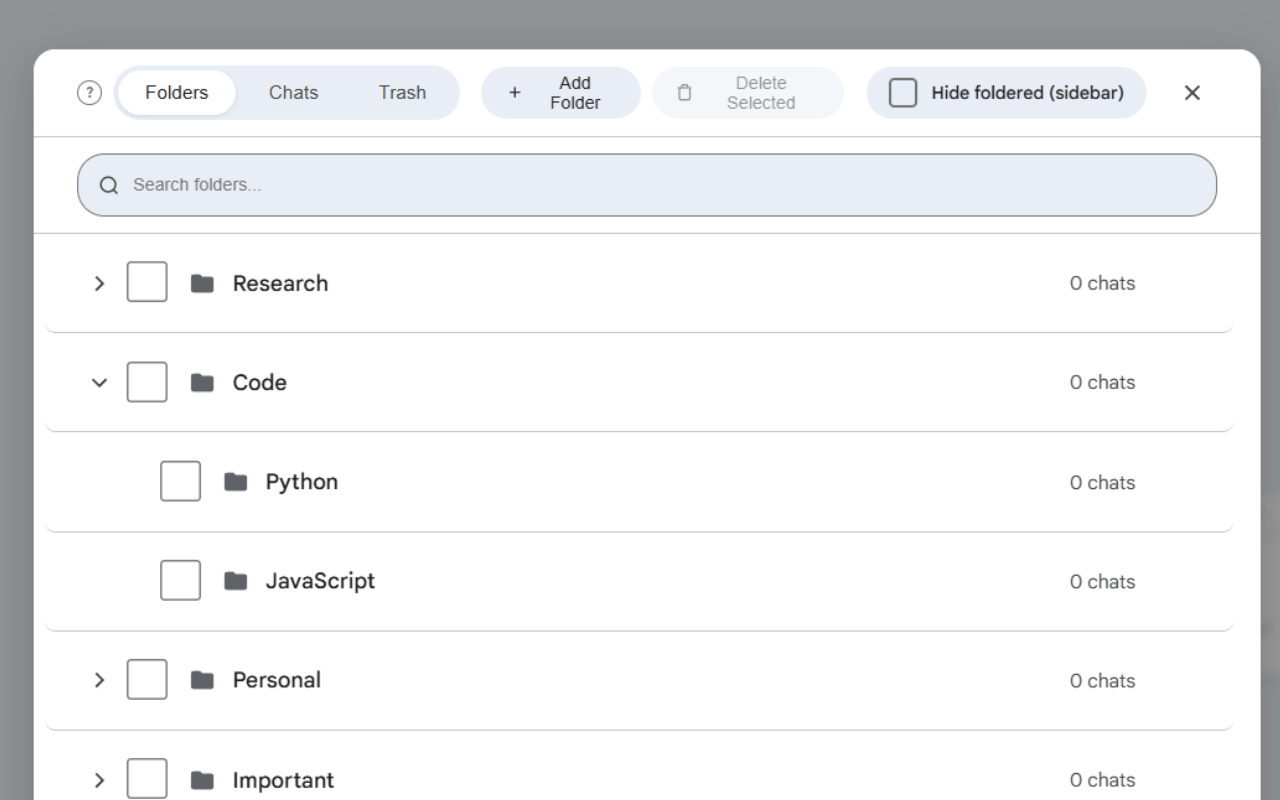
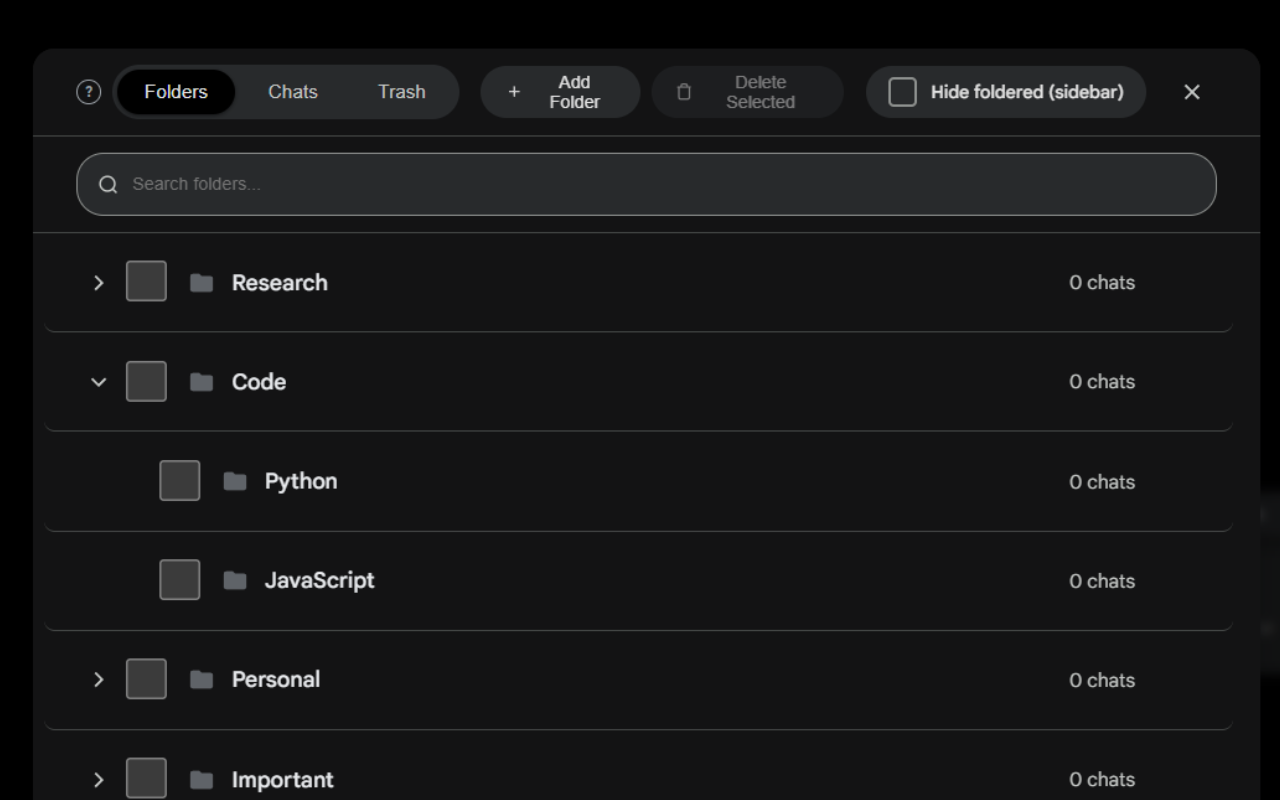
Organize chats into folders and subfolders, with trash bin and sorting.
Save and reuse your best prompts. Access instantly anywhere with // slash commands.
One-click export to PDF, Word (DOCX), or plain text. Your chats, your way.
Word, character & daily prompt counters always visible as you type.
Fully customizable shortcuts for every action. Stay in flow without touching the mouse.
Automatically rewrite prompts for better results. Chain prompts to automate workflows.
The most complete Gemini power-up. Export, optimize, organize, automate — all from one extension.
Organize chats into folders and subfolders, with trash bin and sorting.
Save and reuse prompts. Access instantly with // slash commands.
Export any chat to PDF, Word (DOCX), or plain text in one click.
Build multi-step prompt workflows that execute sequentially.
Automatically improve your prompts for better Gemini responses.
Real-time character, word, and daily prompt counter.
Queue multiple prompts and send them one after another automatically.
Mark any reply worth keeping, then jump straight back to it from the header.
Fully customizable shortcuts for every action. Work faster.
Press Alt+P to cycle through Flash-Lite, Flash and Pro. Set default models per chat type.
Hide premade prompts, upgrade buttons, activity, and more.
Full-width chat, collapsible pinned chats, download audio, and more.
See what users are saying on the Chrome Web Store.
"Extremely easy to understand Gemini extension. Honestly makes life so much easier. Would recommend it"
"This is the best app available for Gemini. It significantly boosts productivity and comes highly recommended! 🚀"
"Really a great improvement over the vanilla UX of Gemini. Developer was also very responsive and open to feature requests over on Reddit. Keep up the good work!"
"First extension I rate in decades of using Chrome, but this one is worth a review and support — really the best Gemini all-round extension."
"This solves so many of my problems it's amazing. Can we get the same for ChatGPT please! :))"
"Simply the best extension for Gemini. No less no more."
Start free. Upgrade when you need more.
For everyone getting started
*Limits apply
Everything in Free, and:
The ultimate deal:
One key, four extensions:
Yes! The core extension is free with generous limits. You can create folders, export chats, use the prompt optimizer, and more at no cost. Pro removes all limits and adds exclusive features like chat referencing and custom optimization prompts.
You can export any Gemini chat as plain text (.txt), Markdown (.md), a Word document (.docx), or PDF. Two PDF options are available, a standard .pdf and a formatted Styled .pdf, plus a Print option.
Your chats, prompts, and personal data never leave your device. The extension does send anonymous, aggregated usage statistics (like which features are used) to help us improve — you can disable this anytime in the Advanced section of settings.
Click the "Install Now" button to go to the Chrome Web Store. Click "Add to Chrome", then pin the extension icon in your toolbar for quick access. Visit gemini.google.com and you're all set.
Pro unlocks unlimited folders, prompts, chains, bookmarks, exports, queue messages, and optimizations. It also includes exclusive features: Chat Referencing (drag chats as context), Custom Optimization Prompts, and Google Drive Sync (sync your folders, prompts, chains, and bookmarks across devices). All future Pro features are included.
After purchasing, open Gemini and click the extension icon in your browser toolbar (or the settings button in the sidebar). Click "Upgrade" and then click "I have a license key", paste your key, and click Activate. Your Pro status syncs across devices. See the full activation guide →
Yes. One license key works on up to 3 devices. Your settings sync via Chrome's built-in sync storage, so your setup follows you automatically.
Email sulfurbyte+support@gmail.com within 14 days of purchase for a full refund, no questions asked.
Works on Chrome, Edge, and all Chromium browsers.